
Interactive terminal
Run Python interactively, test ideas quickly, and see output as you experiment.
A Python editor and terminal with GitHub repository workflows and optional AI coding assistance, built for iPhone and iPad. Vesper is available now on the App Store.
Vesper Python REPL & Editor is now available for iPhone and iPad through the App Store.
Write code, run it, debug it, and work with GitHub repositories using a practical editor and interactive terminal built for mobile.
Run Python interactively, test ideas quickly, and see output as you experiment.
Create, open, edit, save, and run local Python scripts from a dedicated editor.
Generate, explain, debug, refactor, comment, and improve Python with your chosen provider.
Connect to GitHub, clone and pull repositories, create or switch branches, commit changes, and push code—all from Vesper.
Write normal Python with familiar standard-library modules for everyday programming.
Quick-access programming keys make common Python punctuation easier to reach on mobile.
No Vesper accounts, analytics, or tracking. Connected GitHub and AI actions go directly to the service you choose.
A real look at Vesper Python REPL & Editor—from writing and running Python to working with the tools built for coding on the go.
Sync Git repositories directly with GitHub. Connect your account, clone or pull a repository, and keep using Vesper’s editor, Python terminal, and AI assistance while you work.
Authenticate with GitHub and clone a repository from its HTTPS URL into Vesper.
Create a branch or switch branches, then open and edit repository files in the normal editor.
Run or test Python code, review changed files, and commit all changes with a meaningful message.
Push committed work back to GitHub when it is ready to share.
Vesper supports focused repository work. Pull requests, issues, Actions, and repository administration remain on GitHub.
Vesper’s AI Coding Assistant is a useful layer on top of the editor and terminal—not a replacement for either. Every proposed code change is shown for review before you choose to insert or apply it.
“Explain why this function fails for empty input.”
AI provider usage may incur separate charges from the provider you configure.
You control the AI connection. Vesper does not bundle shared AI usage, sell credits, or proxy your requests.
In Settings, enable AI Coding Assistant, choose a supported provider, and add your API key.
Generate, modify, explain, or debug code from the editor—or ask to fix a Python error from Terminal.
See the response, proposed code, and a change preview before anything reaches your editor.
Insert, replace, apply, or copy a supported result when it looks right to you. Applied changes can be undone.
Model availability, limits, and billing are determined by the provider account you connect. Vesper offers recommended model IDs and lets you use a custom model ID.
Connect your own OpenAI API key. Recommended models include gpt-5.6, gpt-5.2, and gpt-5.2-codex.
Connect your own Anthropic API key. Recommended models include Claude Sonnet 4, Claude Opus 4, and Claude 3.5 Haiku.
The terminal, editor, Git workflow, and AI assistant work together without requiring you to give up a local-first workspace.
View User Guide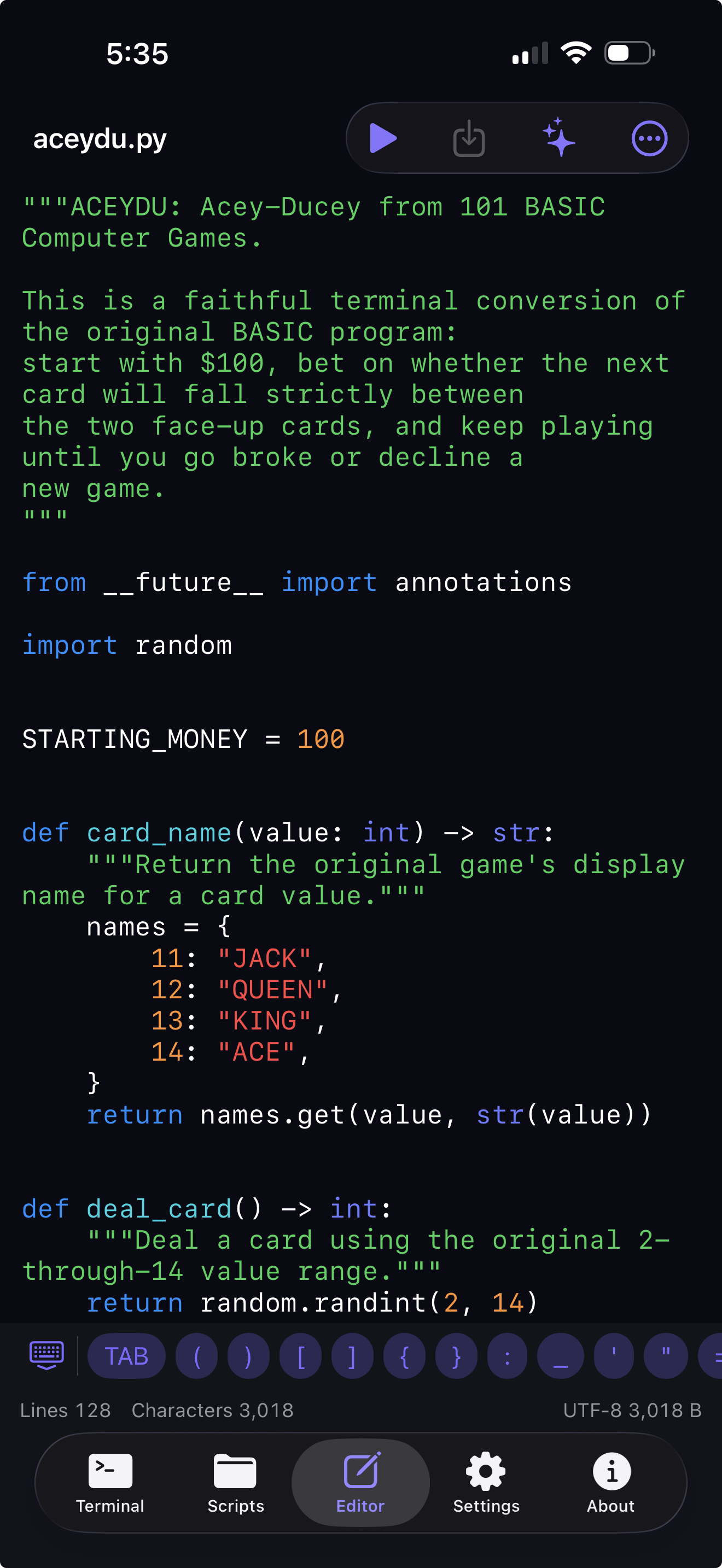
Vesper does not collect your code, prompts, responses, or usage history. GitHub network actions go directly to GitHub, and AI requests go directly to the provider you chose.
Vesper can clone GitHub repositories, create and switch branches, pull, edit repository files, commit all changes, and push commits. GitHub project management stays on GitHub.
Use a fine-grained GitHub personal access token with Contents read/write access for the repositories you want to sync. Vesper stores the token in the iOS Keychain.
No. The Python editor, terminal, and Git workflow work independently when AI is disabled.
Yes. AI features use an API key from a supported provider; a consumer ChatGPT or Claude password is not an API key.
No. API usage is billed separately by the provider you select.
No. Vesper does not collect source code or usage telemetry. Content leaves your device only when you choose a connected action, such as an AI request or GitHub sync.
No. Vesper shows a preview first. You decide whether to insert, apply, copy, or discard the response.
AI API keys and your GitHub token are stored in the iOS Keychain on your device, not in source files, logs, or Vesper servers.